Scan Flow Trainer - Mobile Augmented Reality Flight Training
Summary
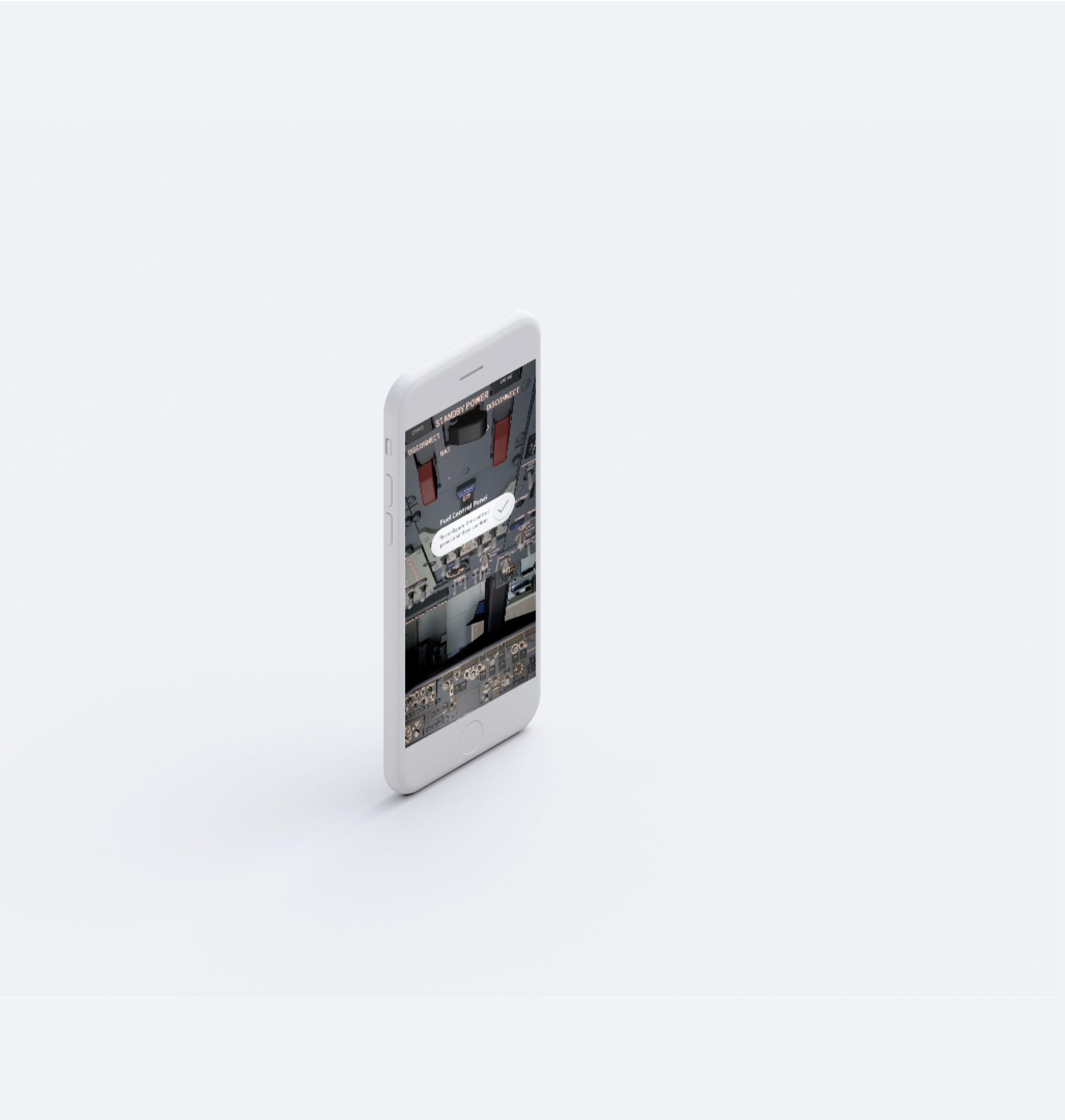
The Scan Flow Trainer is a mobile, augmented reality product that allows pilots to practise Boeing flight deck procedures remotely and wherever they are in the globe. This was especially valuable to consider during the COVID-19 Pandemic with limited travel and closed borders.
The goal of the project was to research, prototype and evaluate a mobile augmented reality flight deck training product for commercial pilots. The intent was for this decentralised model to enable a higher occurrence of flight validation throughout the year than limiting this core flight deck spatial mapping exercise to once a year.
This broader outcome being democratising access to hi-fidelity training and increasing the health of the aviation ecosystem across the industry. There is a multipurpose capability tool as mobile augmented reality flight training tools can be extended across procedural training and offered across aviation personnel and ground crew.
This offers up new possibilities for remote learning to occur while away from physical flight deck simulators at Boeing flight centres.
Note: This project is still in development and has yet to be put into full production and concepts are continuing to be explored
My Role
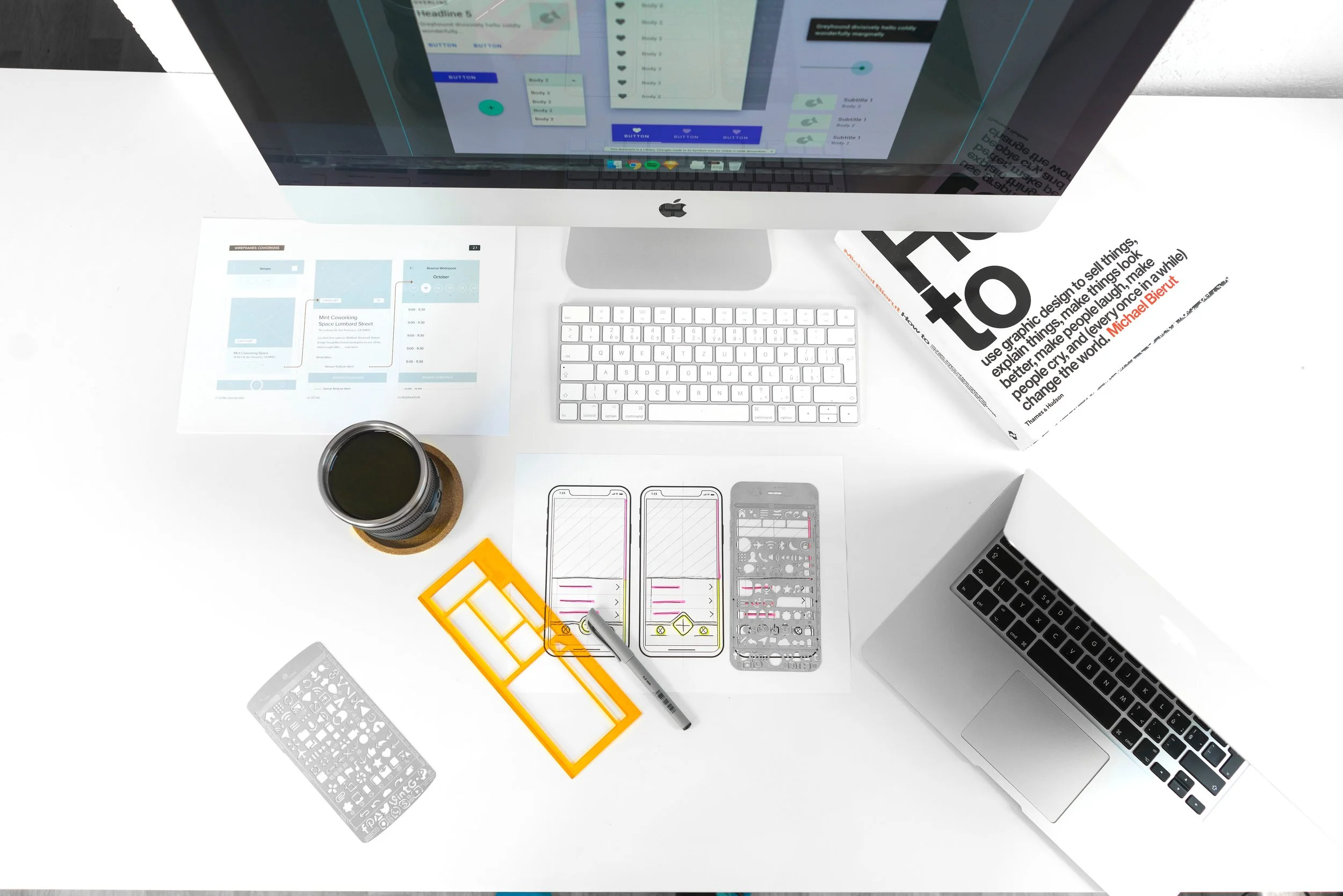
I was the lead Product Designer that developed the product from initial discovery and framing, low fi development environment that I coded to the final UI implementation that was demo’d to users
User Research
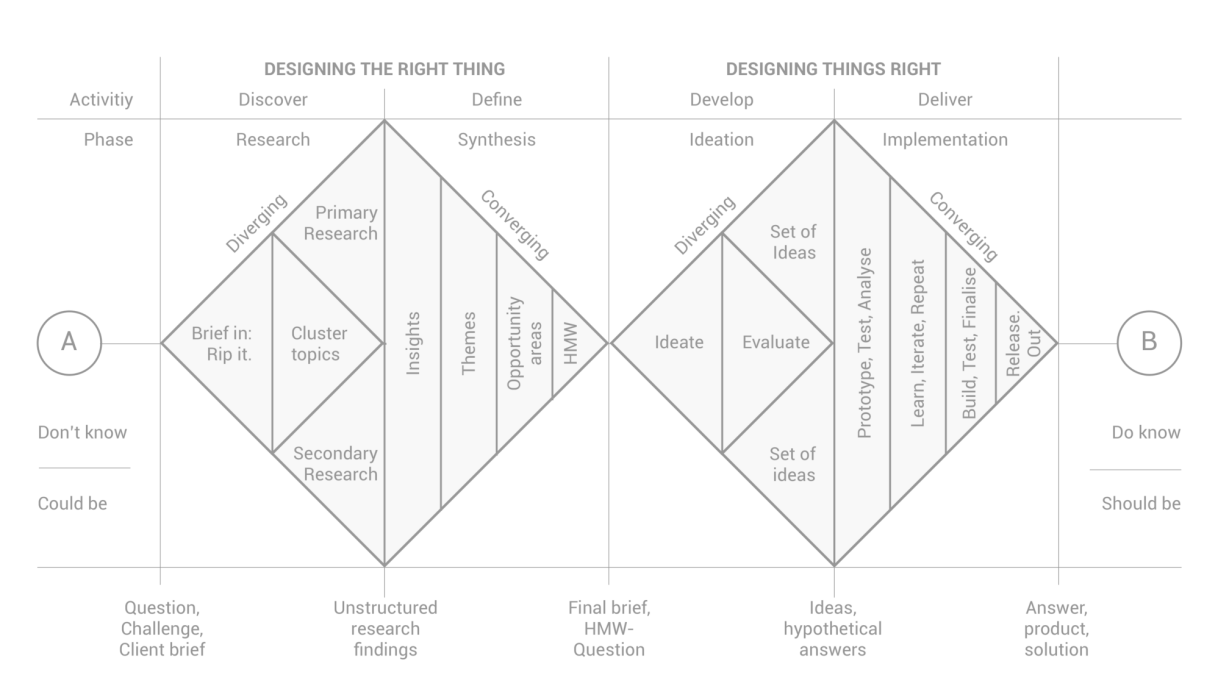
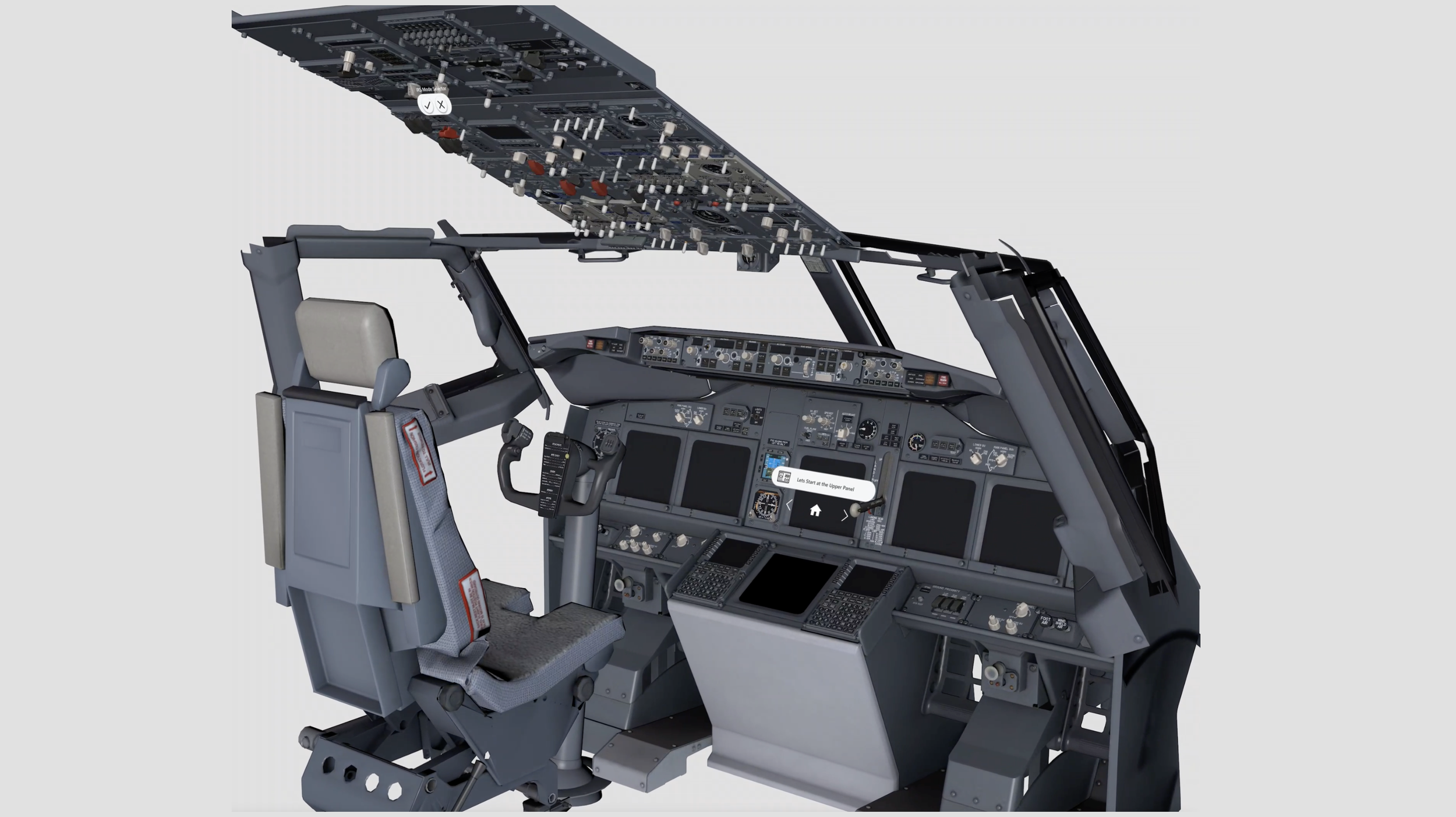
I connected with several Boeing Flight Instructors and Pilots to understand in terms of what procedure might have the most impact while considering the lean nature of a prototype that needs to be scoped in. I landed on the ‘Scan Flow Procedure’ which is a process of identifying the core components of the flight deck from the upper panel to the control stand and if they are in the correct configuration or not.
This takes up nearly half a day of course time and considering it’s a 10 day course, would be an impactful portion to consider evaluating. I did further contextual inquiry with pilots and gained access into the actual course curriculum to understand the current knowledge transition process and how that feeds into the flight deck mapping exercise. At its core it’s a spatial mapping and memory recall exercise to the correct configuration of components and also physical location in the flight deck. Currently a student looks at a paper cutout and taps on each portion of the poster to use as the primary way to map the flight deck.
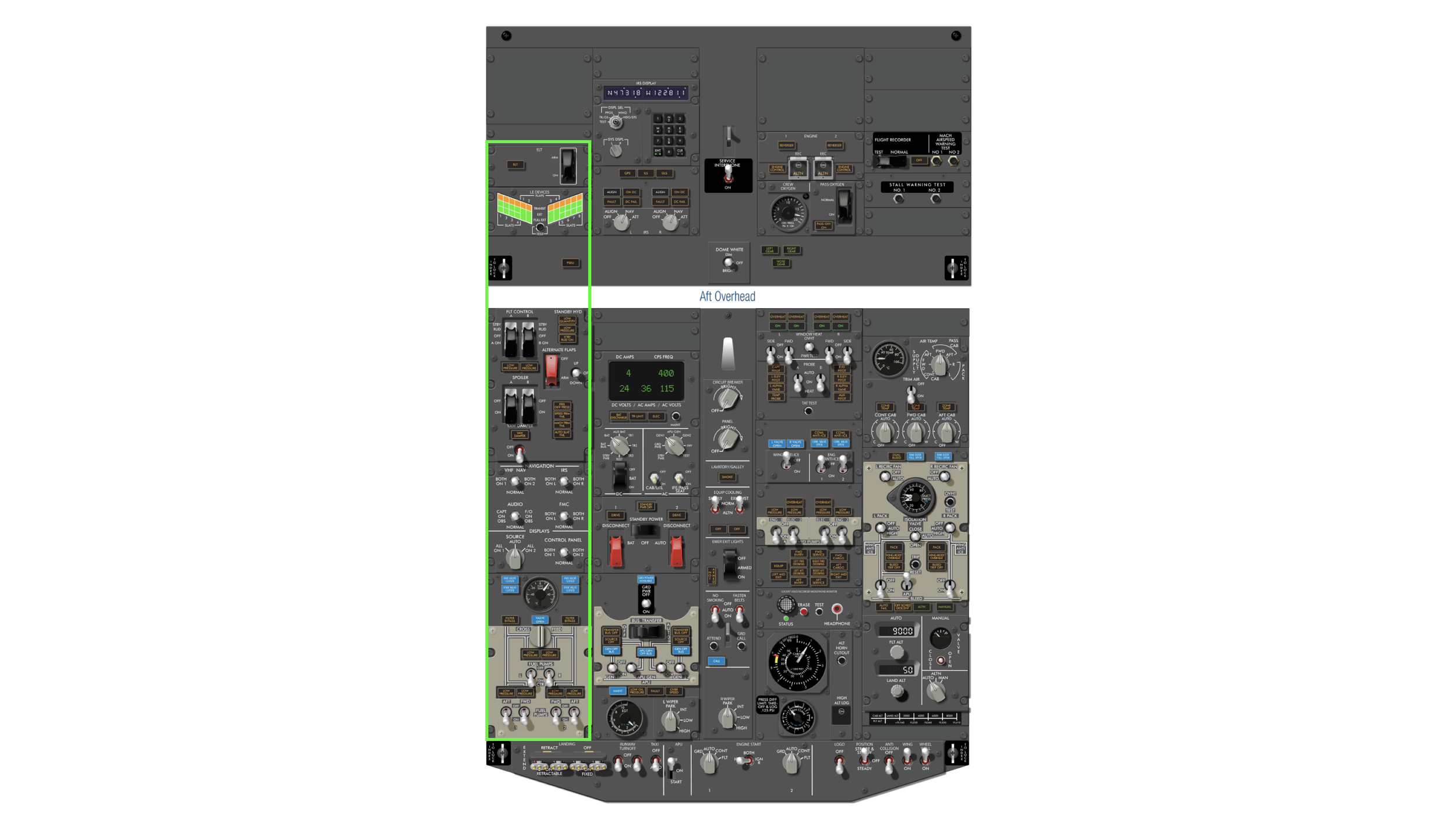
The Scan Flow is divided up into 10 sections. the pilot to start at the upper panels and then have the user work their way down to the control stand in this sequential order.
MVP Core Experience
For the MVP prototype I narrowed it down to a single panel to make easier to validate with this specific section. Normally The Scan Flow is divided up into 10 sections. the pilot to start at the upper panels and then have the user work their way down to the control stand in this sequential order. This scoped in portion made it easier to prototype and develop in terms of functionality and feasability. Full flight deck models were additionally tested to test spatial senses and capabilities
Primary User
Pilots
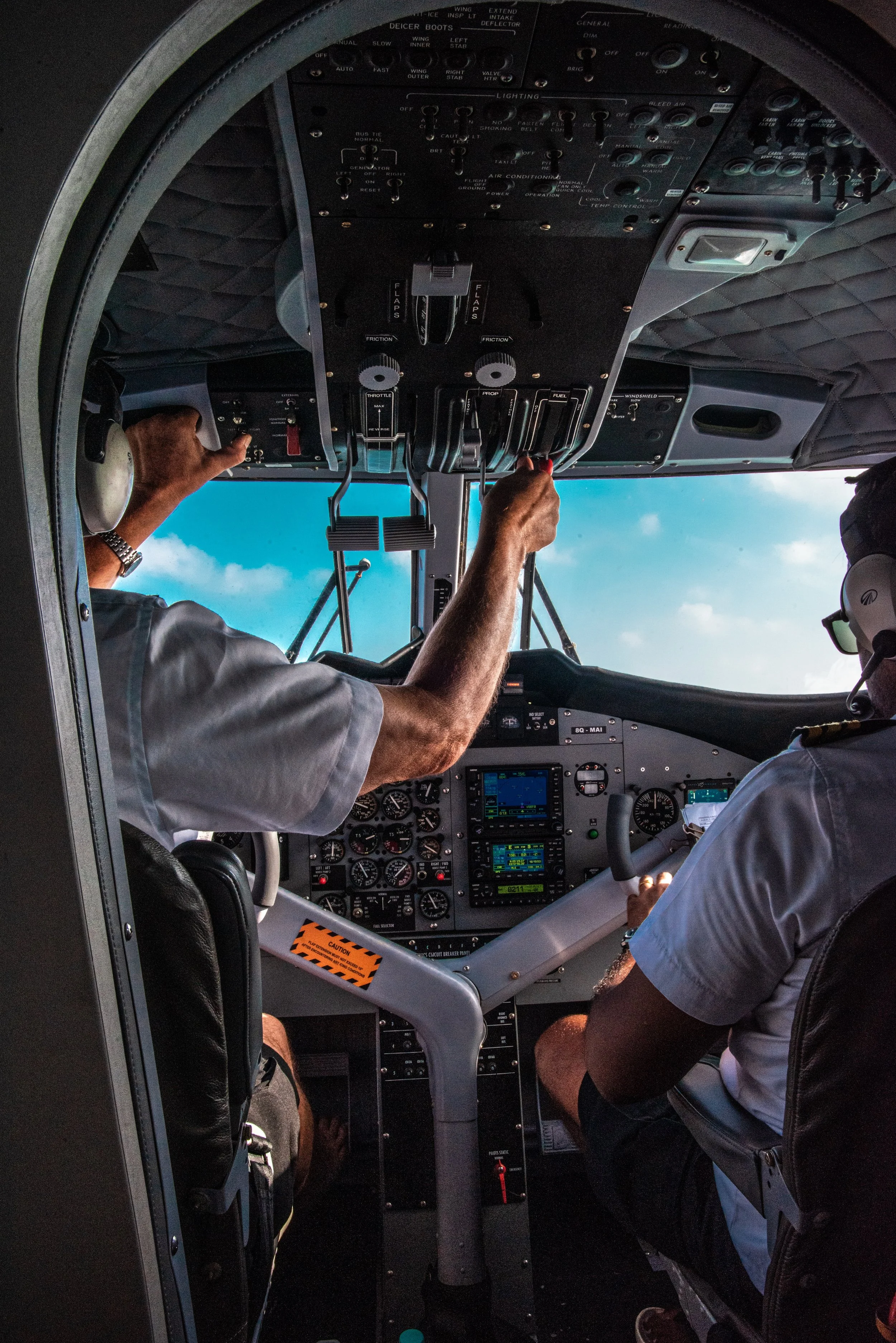
The mid career commercial first officer or captian. As part of their learning process, they’ve gone through a ab-initio flight program and are building up their hours in short to medium haul flightsThey’ve gone through a steep learning curve and in a highly technical craft and increasing their fluency of all parts of flying They want to increase their flight hours and progress through different flight platforms and are keen on training.
However the intense nature of the compressed schedule of training makes learning challenging and they’d ideally like a way to learn ahead of time. There’s also limited time to re-review low level procedures that can add lag to a formal review of materials
3D Design Models
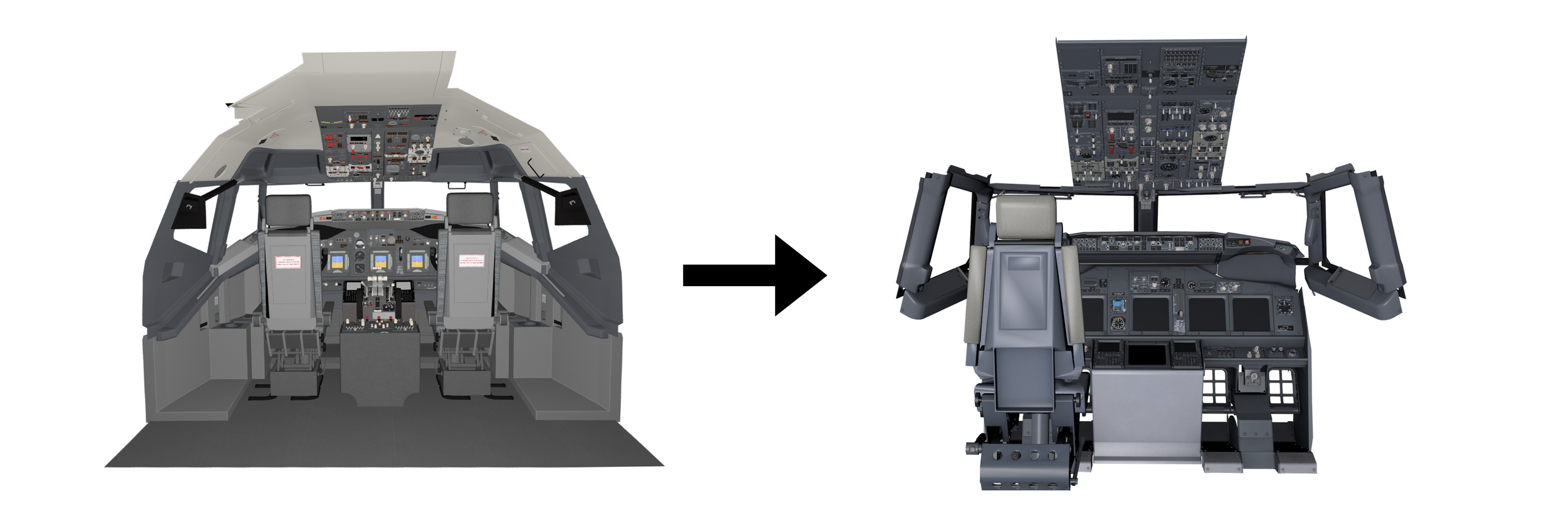
To test out the concept and iterate on the user experience, a mobile friendly 737 model was selected from Turbo Squid and once the initial concept was validated a technical 3D artist developed a 737 flight deck model from actual CAD.
Living Room Experience
Development Platform
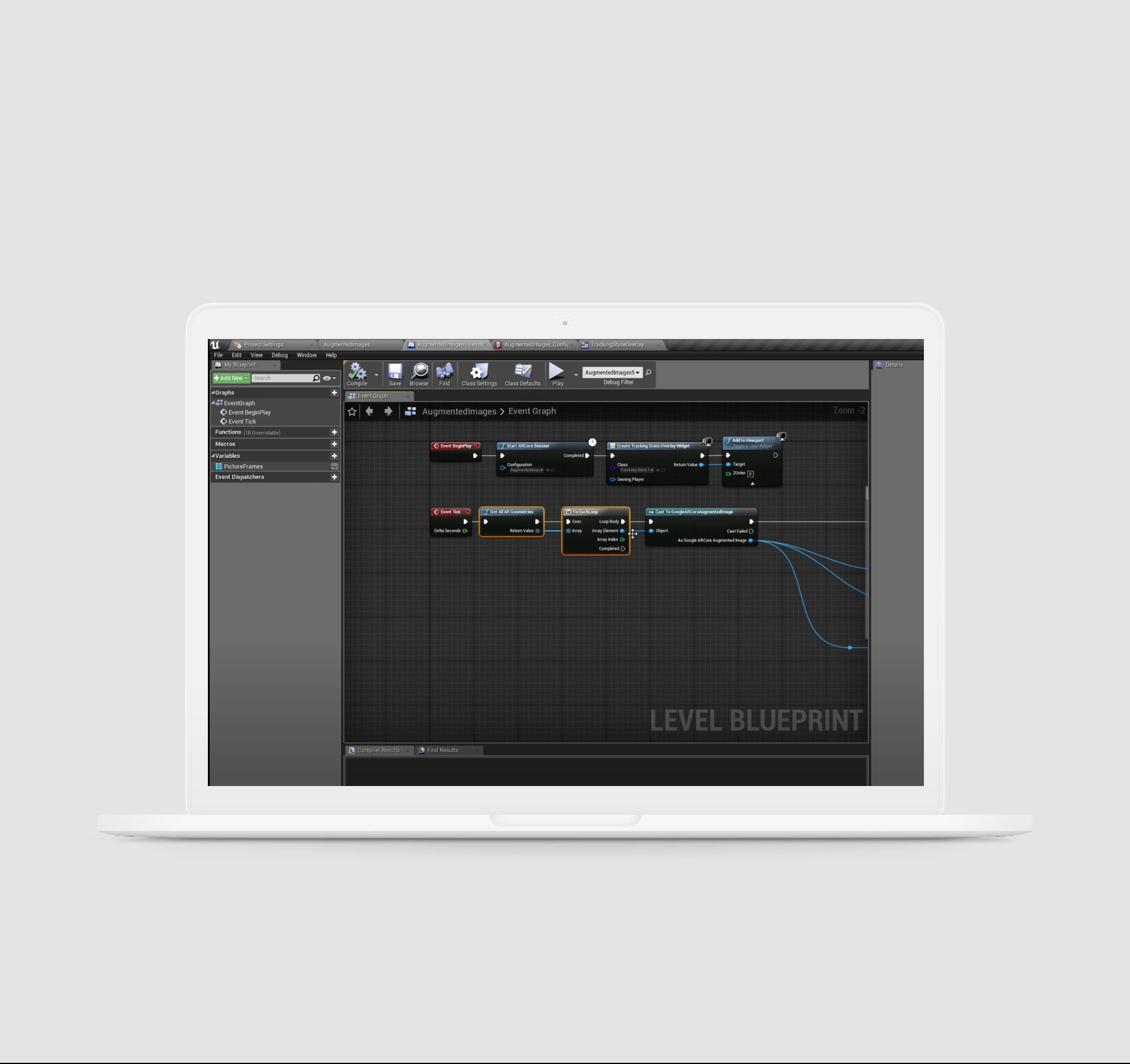
Unreal Engine was chosen as the development platform with its capability to host a wide degree of 3D assets and UX interactions. I developed a baseline application and was assisted by a software developer with the advanced functionality
Mobile AR Design Considerations

A phone’s viewport is the glass pane window into an AR world, reduction of 2D overlays and instead a focus on in world UI helps avoiding breaking occlusion.
Design Studios
An insightful part of the design process for the progression of the Scan Flow considering its nuanced Mobile AR considertaions were proactively running studio sessions with various cross functional teammates of software engineering, 3D artists and Human factors.There was an important focus on psychological safety to ensure everyone felt validated and heard. They were set up monthly sessions where they could share their perspectives from the hats of technical feasibility (development perspective), user practicality (human factors), viability (product teams) and usability (with other designers). These valuable sessions were setup in an agile way to be in 30 minute sessions to be accommodating of everyones time in a fast paced 8 hour shift day. They were setup in a way to start with a '“How Might We” question focusing on what capability we might design to provide the solution to an outcome we’re trying to solve. 2 x 15 minute sketch sessions were practised where everyone could either describe or draw their ideas out (whilst a good ambient Spotify playlist was playing). Afterwards I would collect those artefacts, digitise them and reference them during the wireframe creations to understand intent and right size my design approaches.
AR Core Design System
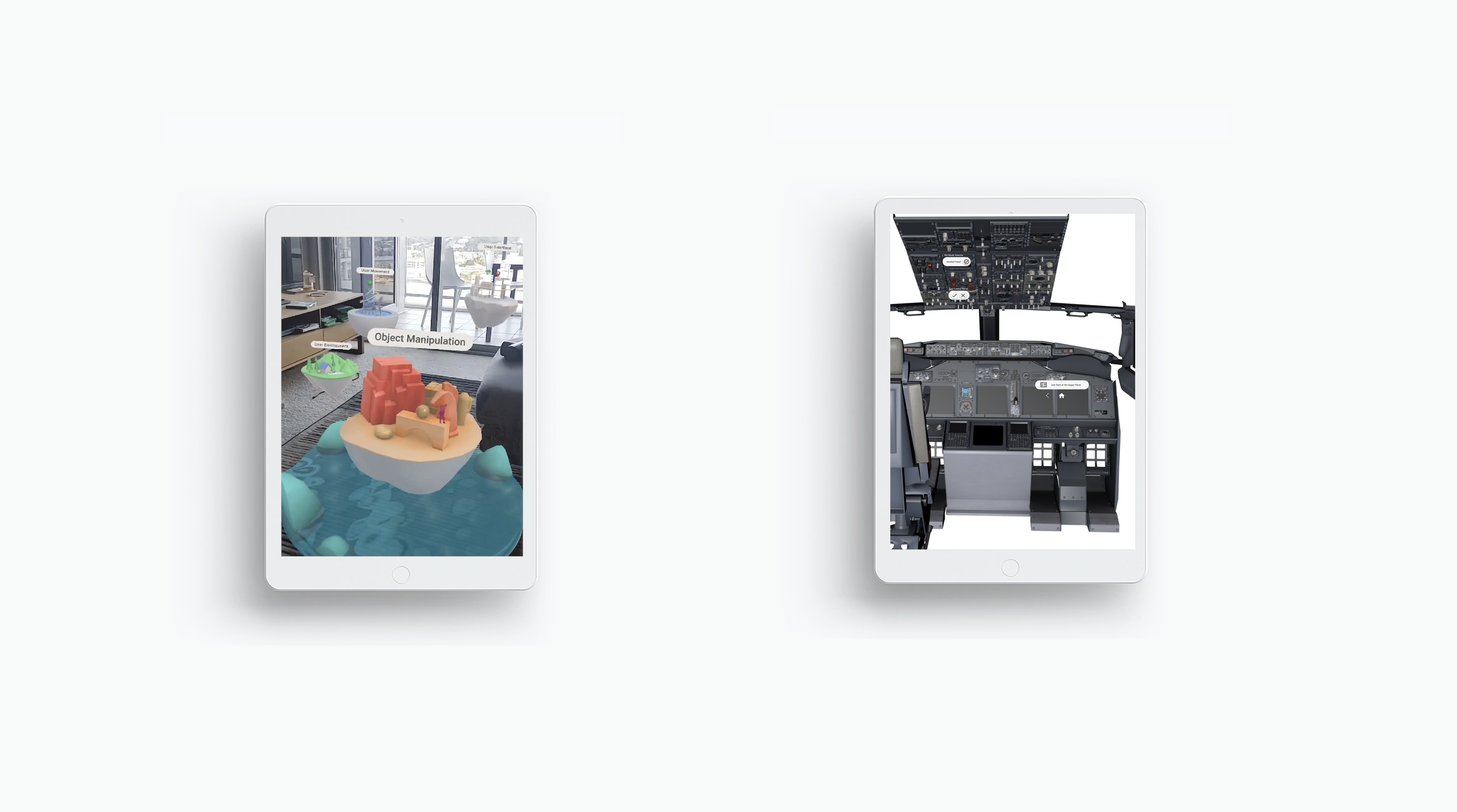
Google AR Core had created a test bed of UI that I researched and emulated into Unreal Engine to use as the basis components for the prototype.
Prototype
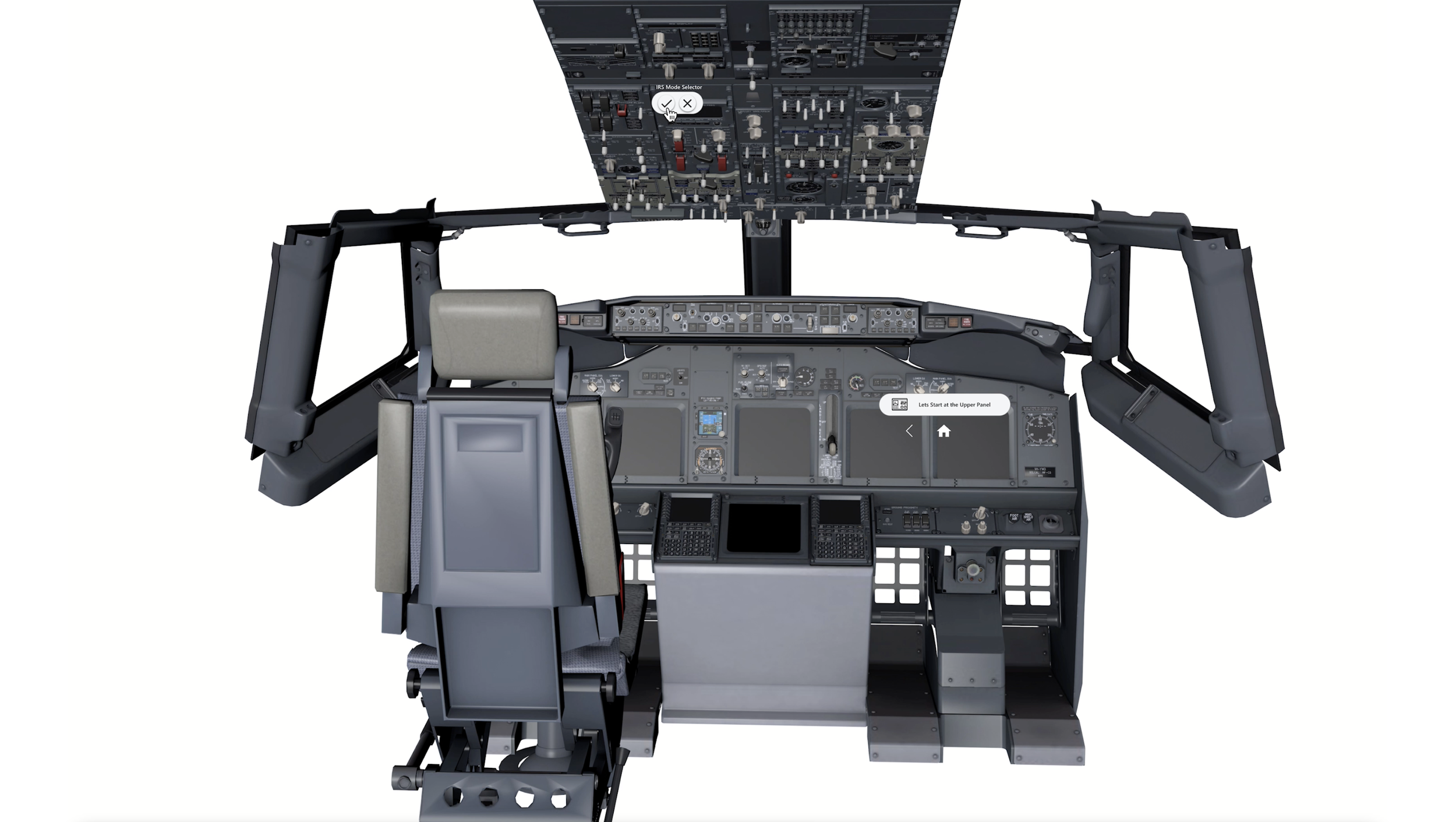
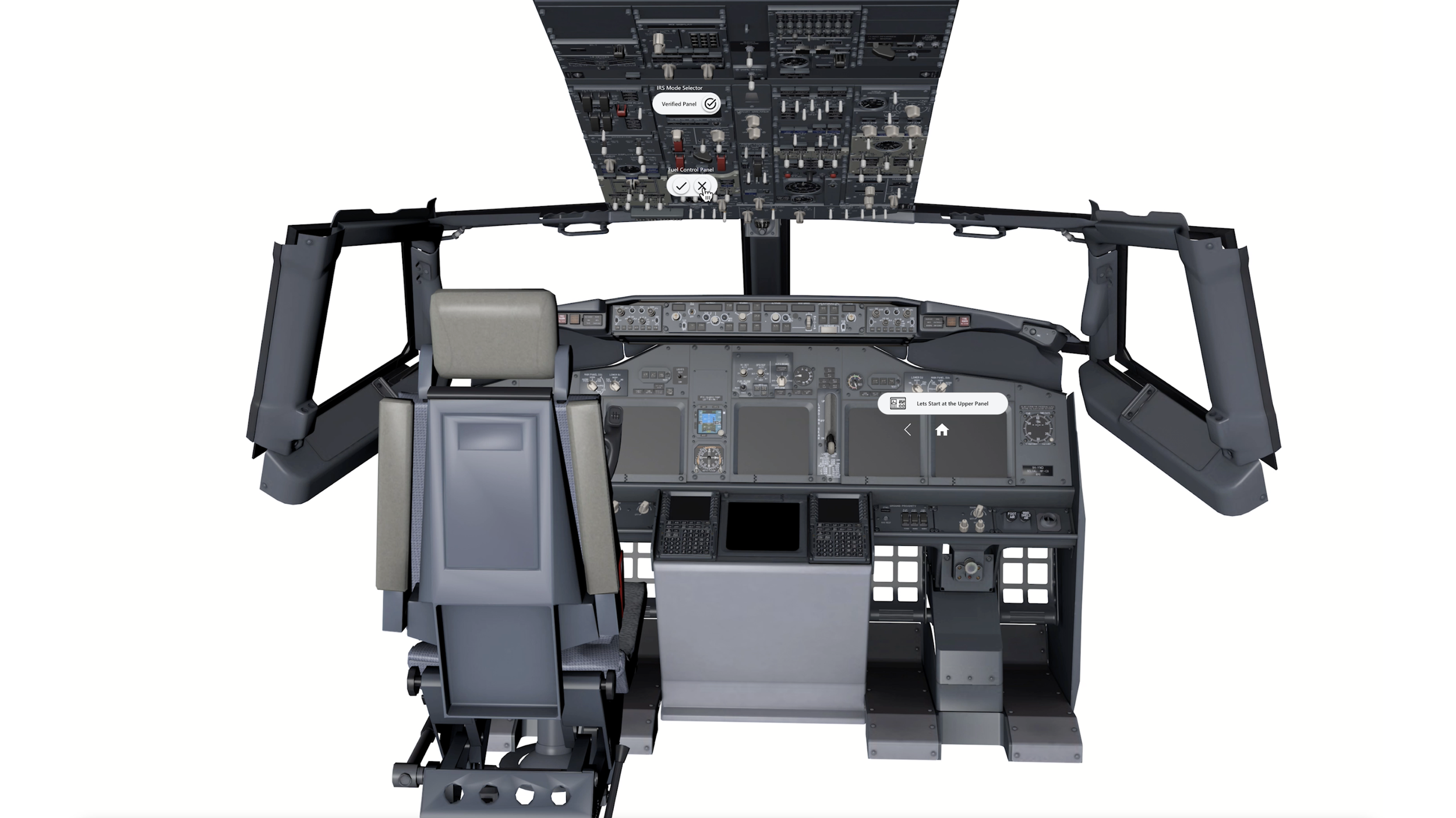
Yes/No Interactions to verify panels.
Users Interact with a fully functioning flight deck.
Hybrid model of interacting with panels and interacting with adjacent UI
Usability
Iterative rounds of usability tests were developed into a Build, Measure, Learn cycle of continuous validation and integration were conducted with Pilots and Instructors. These were taken forward to streamline and reduce the number of taps and ways to discover the specific panel interactions. Holding up a phone for more than a few seconds can lead to fatigue so it was important to find the right balance of interaction patterns. .Our team took our research finding and applied additional heuristics to delve into the physical limits of using a mobile augmented reality enabled device. We found specific limits in terms of overhead movement for any interaction longer than 30 seconds as it caused extraneous load on the arms and shoulders. This was taken back into our prototype and we decided with go/no go UI and then panel interaction. Lastly, This led to us narrowing the scope and training portion of the scan flow to be important but limited to more key activities where it made sense.
Updated Interaction Design
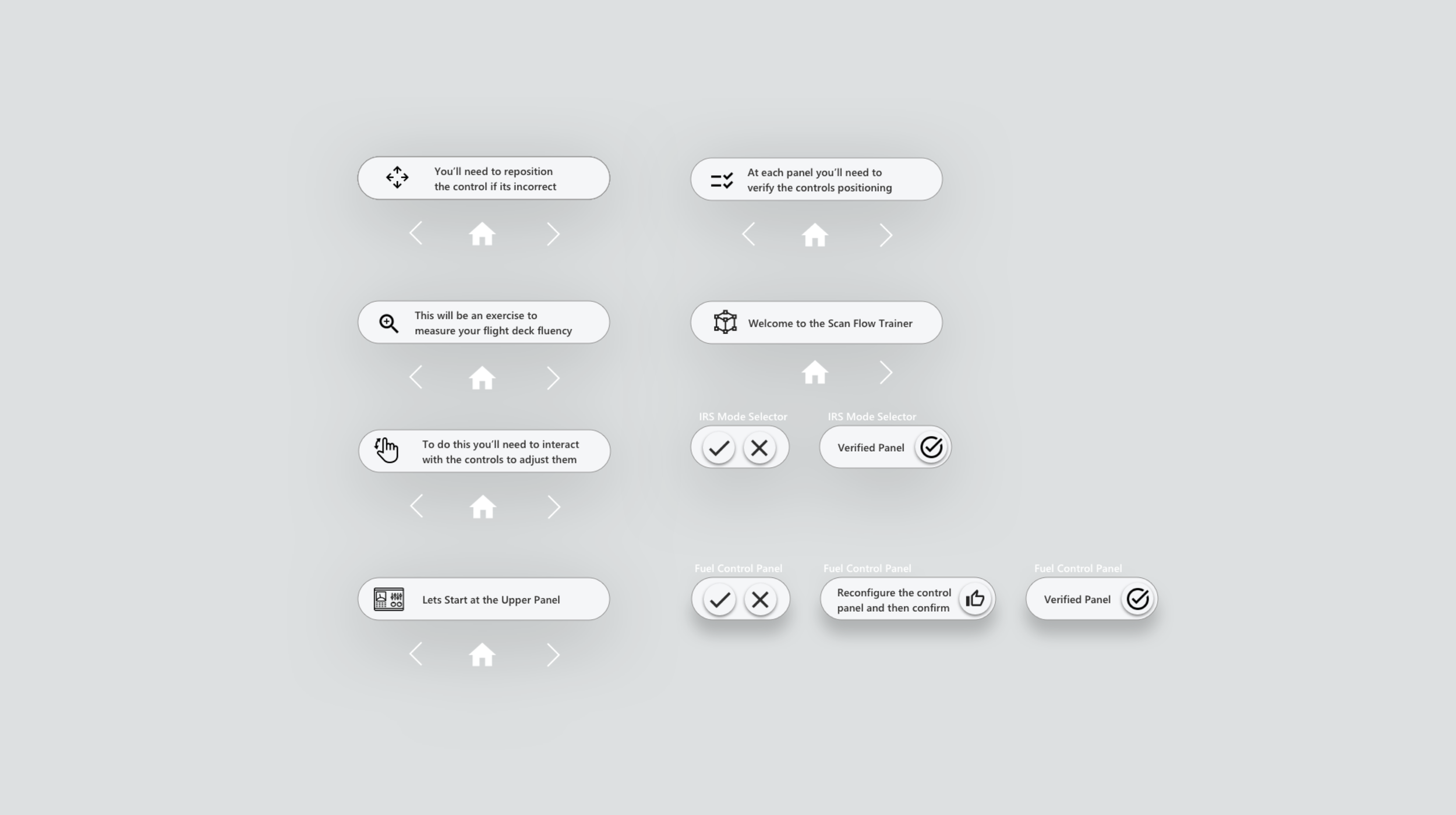
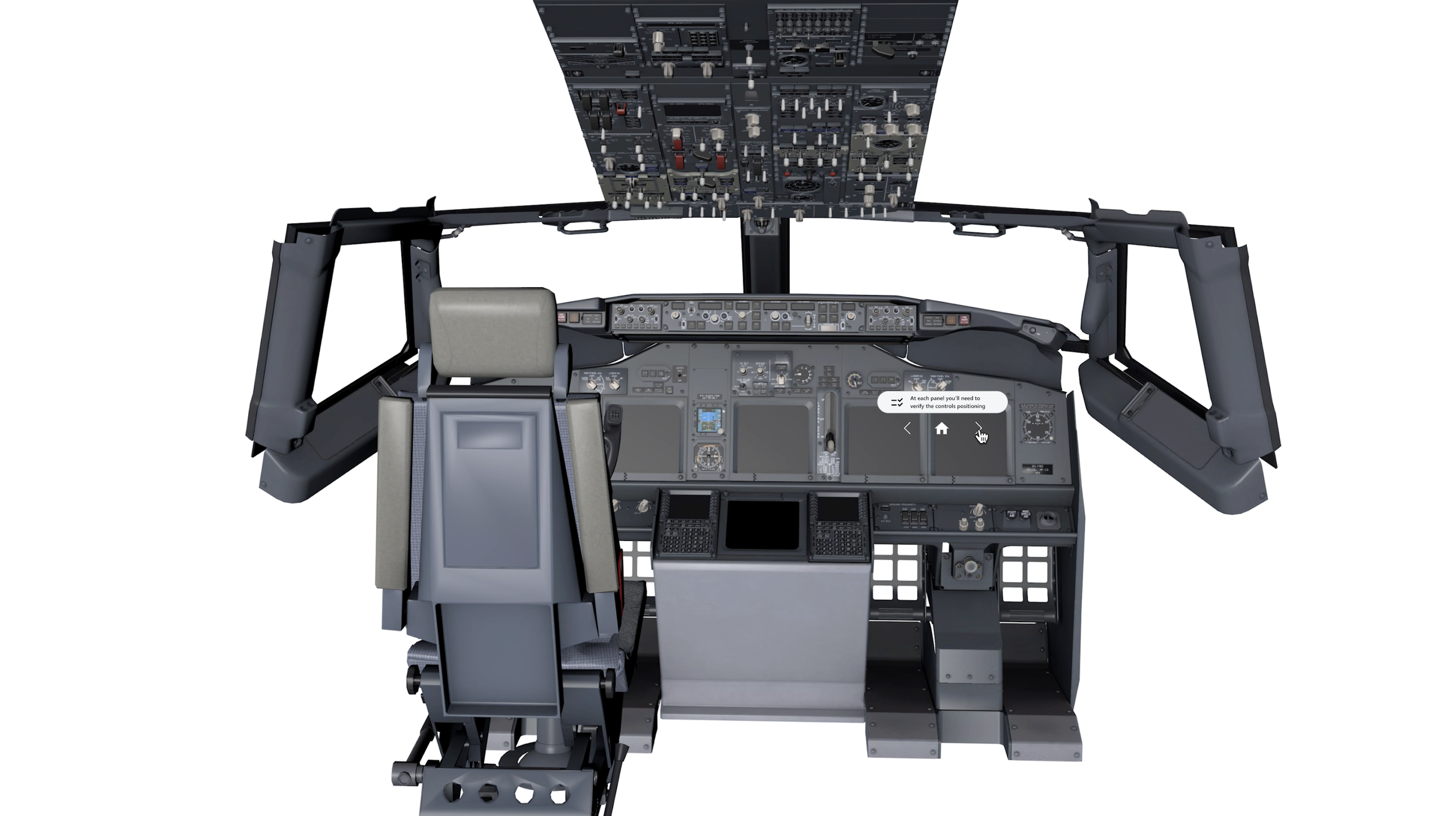
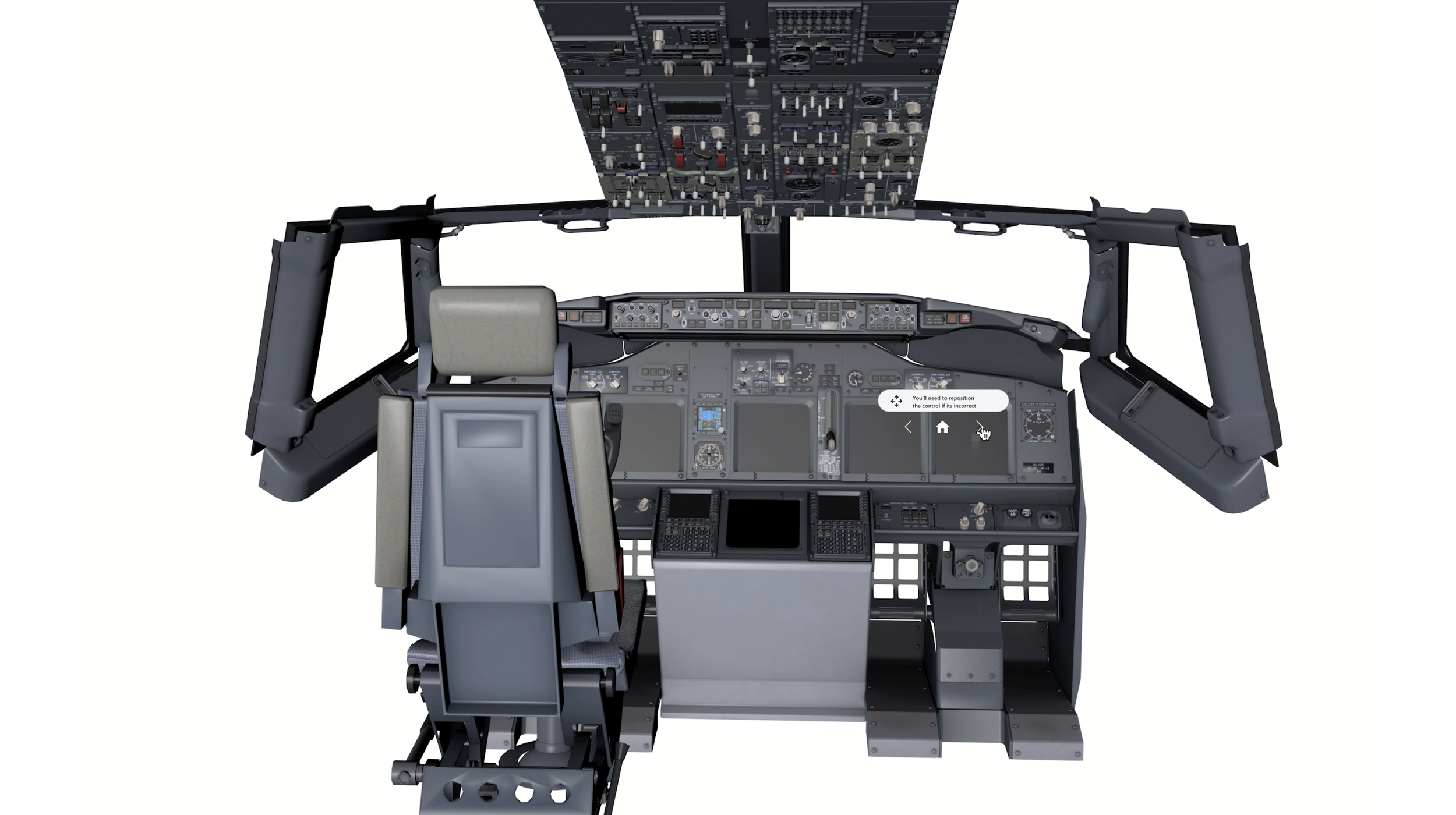
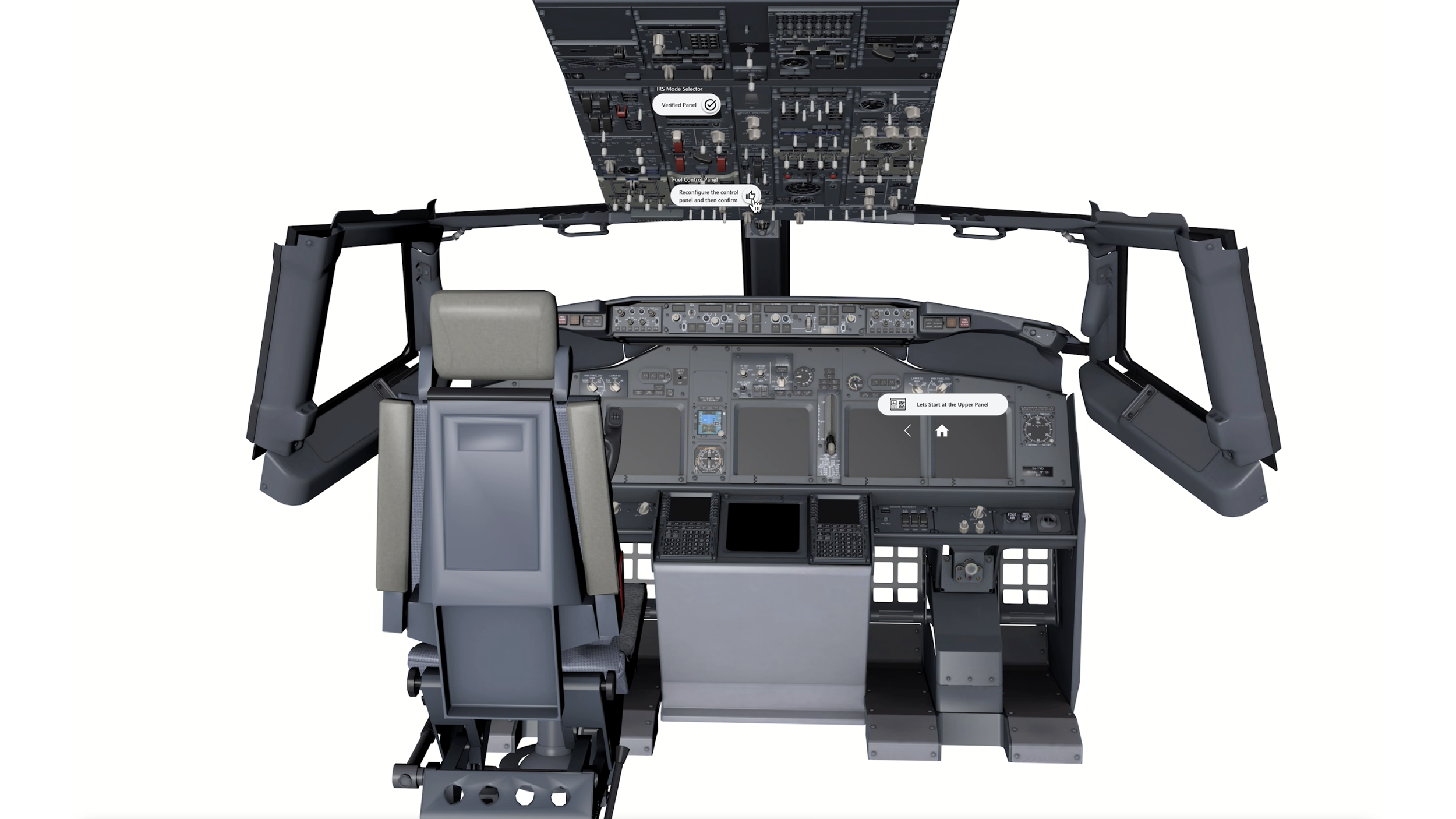
The usability rounds and prototype iteration rounds results in these are finalised user interface elements that were down selected and created post usability discovery. that I created. These enabled users to read through instructions, validate/disvalidate the various sections of the flight deck. A user could then reconfigure the panel to its correct position.
Final Iteration
Final Thoughts
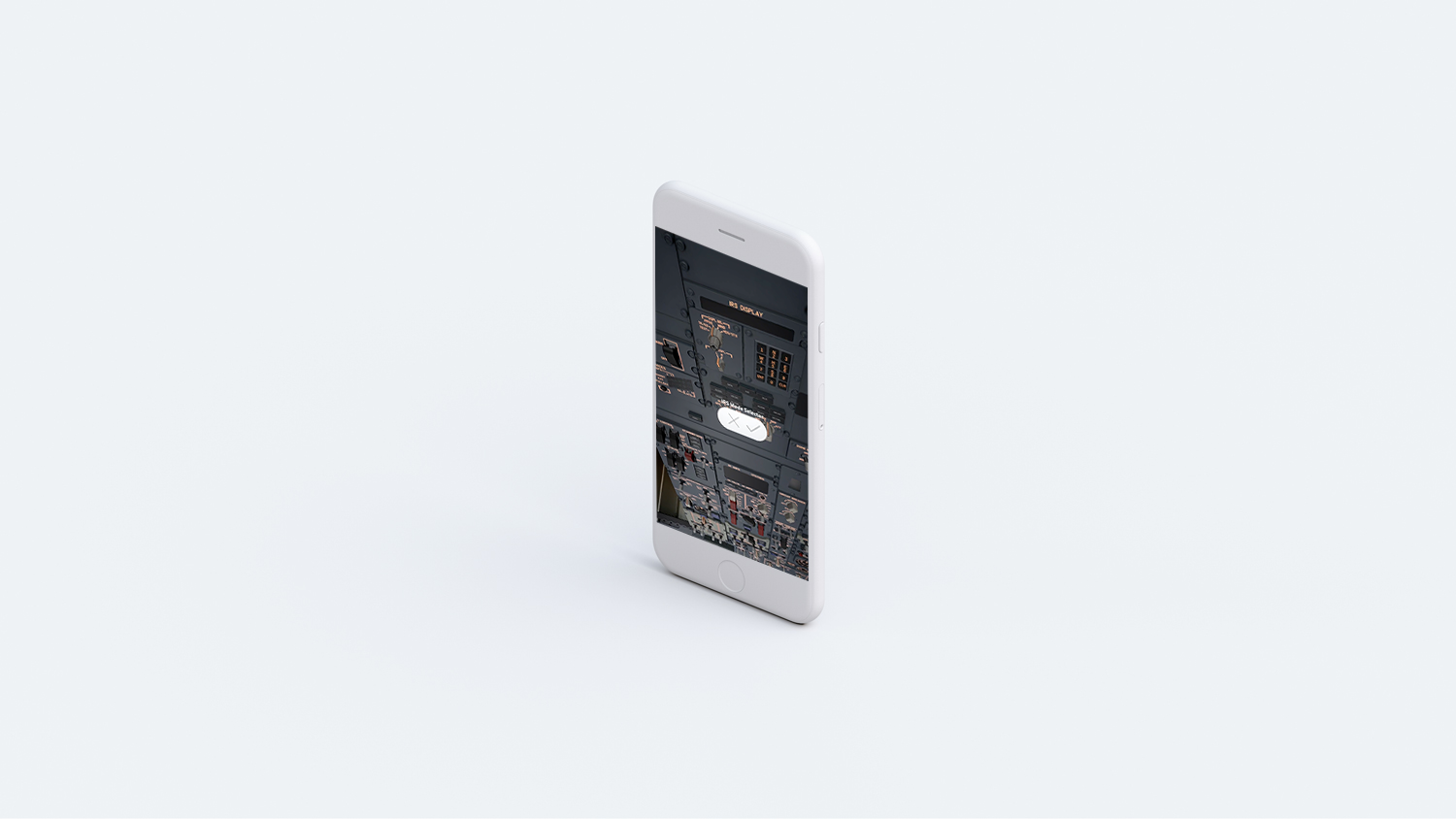
The Scan Flow Trainer Mobile AR Prototype is still in evaluation gates for external release.. Mobile AR provides a cool unique set of world based design standards from Headset AR and traditional 2D UX. Research team Exploring Mobile VR to see the potential capability to assist with challenges like drifting. Product still in development for specific business cases